

How to Print Labels with a Roll Label Printer

A step-by-step guide to printing roll labels with an inkjet roll label printer
As a small business owner, efficient and cost-effective labeling solutions can have a significant impact on both your operations and branding. If you want to print your own roll labels using an inkjet roll label printer, we’ve put together this helpful step-by-step guide to walk you through the process.
We’ll walk you through selecting the right materials, setting up your printer, and configuring your design software for optimal results. By following the steps below, you can achieve professional-looking labels that meet your specific needs.
1. Choose your printer
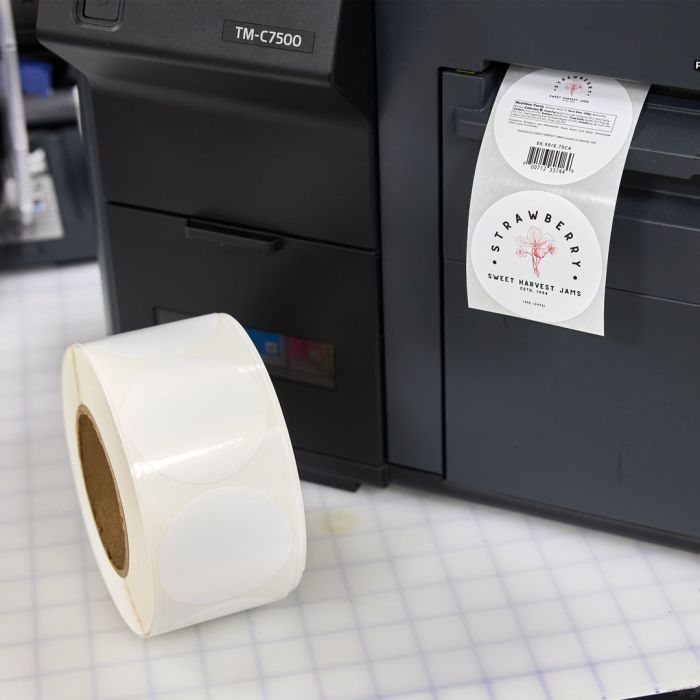
Selecting the right inkjet roll label printer can help you achieve high-quality results when printing product labels. Look for printers that offer advanced features such as:
High-resolution printing: Look for a printer that can produce sharp, vibrant graphics for your labels.
Compatibility: Find a printer that’s compatible with a variety of label materials and sizes. This lets you print on different types of media, from matte to glossy finishes.
Ease of use: Choose a printer with user-friendly interfaces and software integration for easy design and printing processes.
Another thing to consider is the printer’s speed. You want to make sure you find a printer that matches your production needs without compromising print quality. And remember to buy from a company with reliable customer support and availability of replacement parts and inks so you don’t end up with a long delay in your business operations while waiting for parts or service.
While it can be tempting to go with a less expensive model, make sure to carefully select an inkjet roll label printer that meets your quality, speed, and versatility needs. By investing in the right printer, you will ultimately enhance your business’s efficiency and your products’ presentation.
2. Choose your labels
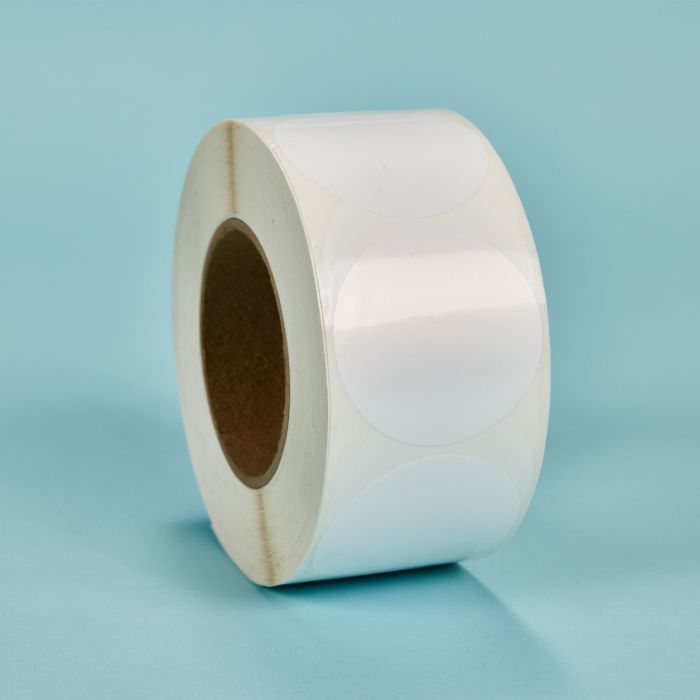
To achieve the best results from your inkjet roll label printer, choosing the right labels is just as important as buying the right printer. The type of label you use can significantly affect your print quality, durability, and overall appearance. You’ll also want to consider factors such as label size, material, adhesive, and printer compatibility for smooth printing and professional-looking results.
Label size
The size of your labels should be appropriate for the surface area of the products you’re labeling. Measure the dimensions of the product to determine the label sizes that will fit.
Think about the amount of information you need to include on the label, such as branding, product name, ingredients, barcodes, and any regulatory information. Choose a label size that can display all of this information clearly.
While standard label sizes are readily available and often more cost-effective, custom sizes may be necessary for unique product shapes or branding requirements. Assess whether a standard size meets your needs or if a custom label size would provide a better fit.
Label materials
The blank roll label material you choose affects not only print quality but also your label’s performance. Whether you need labels that can hold up to moisture, resist ripping and tearing, or present a sleek, glossy finish, understanding the different options available will help you make the right decision.
Paper roll labels are a popular choice for businesses due to their versatility, affordability, and ease of use. They’re ideal for a wide range of applications such as product labeling, shipping, and promotional materials. They’re usually available in a matte or glossy finish, allowing you to choose the look that best fits your brand.
While popular, paper labels do have some disadvantages. They are less durable than synthetic labels. And they can easily tear, wrinkle, or get damaged when they’re exposed to moisture, heat, or rough handling. Paper roll labels also don’t perform well under extreme conditions. They are prone to smudging and fading when exposed to water, oils, or chemicals. The overall lifespan of paper labels is also shorter compared to synthetic options.
Printable synthetic roll labels are an excellent choice for businesses requiring durable, long-lasting labels. Made from materials such as polyester, polypropylene, and vinyl, these film labels can offer greater resistance to water, tearing, chemicals, and UV exposure than paper labels. This makes them ideal for labeling products that will be exposed to moisture, heavy handling, or outdoor environments.
Synthetic labels are also known for their smooth surfaces, which can support sharp, high-quality printing. Available in matte and glossy finishes, synthetic labels offer a professional appearance that enhances brand image and product appeal.
There are a few disadvantages to synthetic labels. They are more expensive than paper labels, which may be a consideration for businesses with tight budgets. Also, not all inkjet roll printers are compatible with synthetic labels. Make sure the inkjet roll printer you choose is compatible with the specific type of labels you want to use.
3. Design your labels
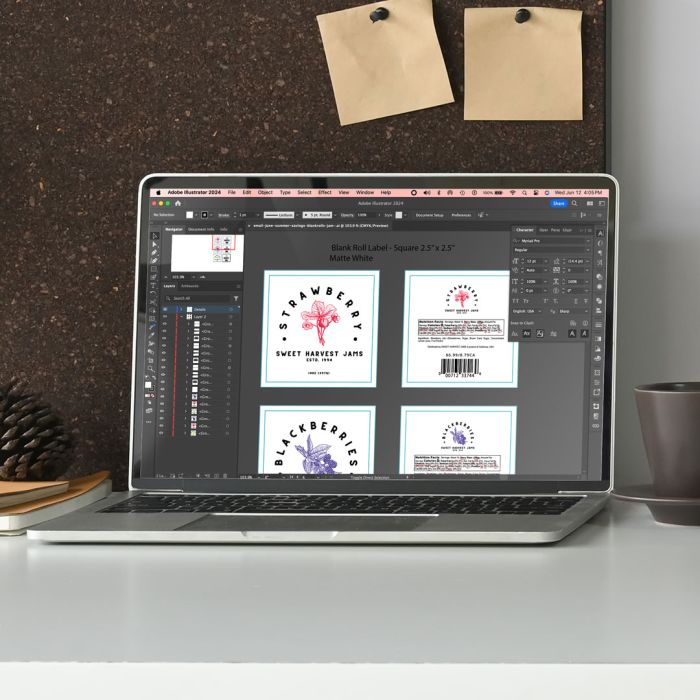
To design your blank roll labels, use a design software with the tools you need to create the look you want. Ensure your design fits within the dimensions of the labels and includes any necessary bleed areas to account for slight misalignments during printing.
Avery Design & Print is an easy way to design your labels online. Simply upload your artwork into the appropriate template for your label size, customize your design, and print. We also offer a wide selection of pre-designed templates that you can customize. You can add things like text, images, logos, and barcodes. Avery also supports variable data, letting you create multiple labels with unique data, which is ideal for batch printing.
Besides Avery, there are several other free software programs available for designing roll labels that offer different features to suit various needs. Canva is a popular choice, known for its easy-to-use drag-and-drop interface and extensive library of templates, fonts, and graphics, making it ideal for creating visually appealing labels without any design experience. See how easy it is to create labels with Canva and Avery. A more advanced option is Inkscape, an open-source vector graphics editor. It offers design tools similar to Adobe Illustrator, allowing for precise and scalable label designs.
4. Set up your printer
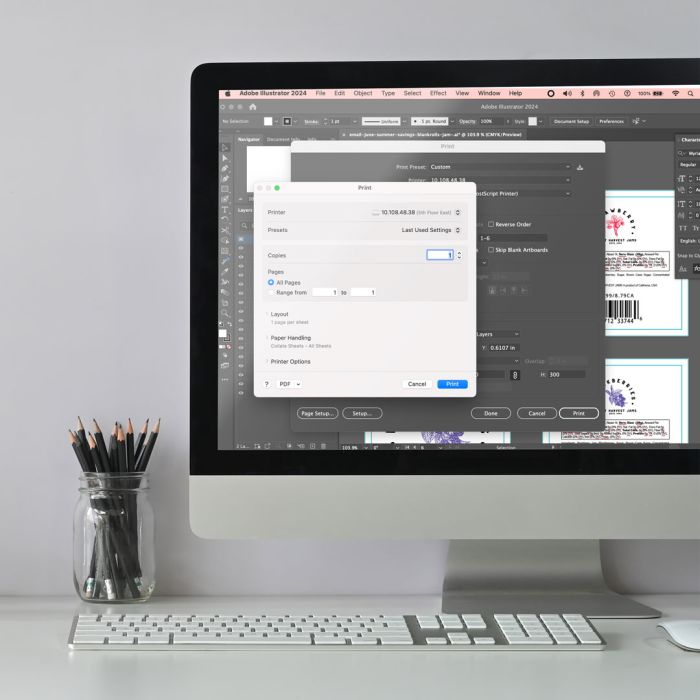
To ensure smooth operation and optimal print quality, make sure you read all the instructions thoroughly. After unpacking your printer and all the components, follow the manufacturer’s instructions to install the ink cartridges and make sure the cartridges are seated correctly.
Then, load the roll labels into the printer, making sure the labels feed smoothly without jams or misalignment. Adjust the printer’s label guides to match the width of the roll labels and secure them in place. Finally, install any necessary printer drivers or software on your computer. Configure the printer settings to match the label size and material you are using.
Once you get everything set up, print a test page before printing an entire batch to check the alignment, color accuracy, and overall quality of your labels. Make any necessary adjustments to the design or printer settings based on your test results.
5. Print
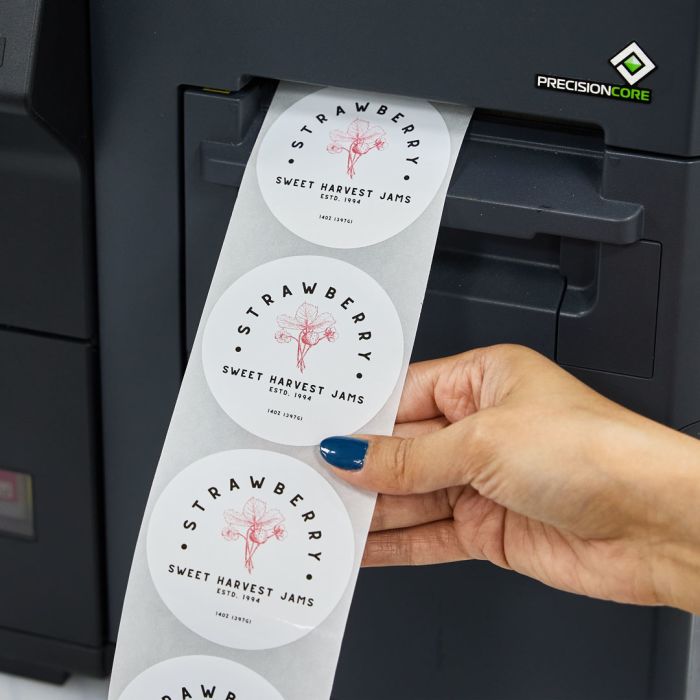
After running a test print and making any necessary adjustments to the printer settings or your label design, you’re ready to print.
Make sure to monitor the printing process for any issues such as jams, misfeeds, or misprints. Stop the printer as soon as you notice an error to avoid wasting labels. Keeping an eye on the printing process can also help you maintain consistent quality throughout the batch.
Once you’ve finished printing, make sure to inspect your newly printed labels for quality control. Cut and separate the labels if necessary and properly store your printed labels to prevent any damage.
Get better results from your roll label printer
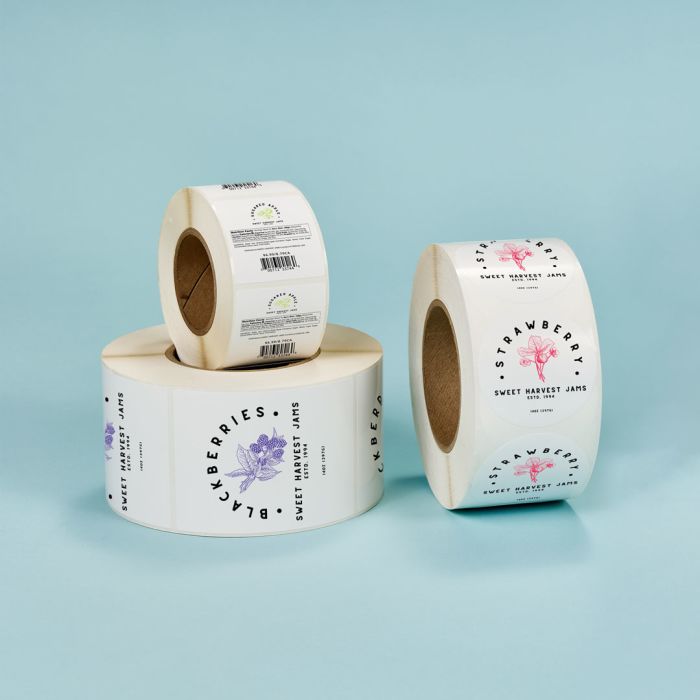
By carefully selecting the right printer and label materials, designing clear and creative labels, and setting up your printer correctly, you can achieve professional-quality labels from your home or warehouse.
Make sure to schedule regular printer maintenance and periodically evaluate your designs and materials to make sure your labels continue to look and perform the way you need them to. This can help streamline your label printing process and keep your labels looking professional. With these steps in mind, businesses can confidently navigate the complexities of label printing, setting the stage for enhanced market presence and customer satisfaction.


