

How to Make Business Cards (Without the Hassle)
From quick DIY to professionally printed, learn how to create business cards that make a strong first impression.

What’s the easiest way to make business cards?
Need quick business cards? Whether you’re in a pinch for a last-minute meeting, want a design that reflects your brand, or are ready to DIY, we’ve got you covered. The easiest way to make business cards is to either design and order custom printing online or print your own at home.
In this guide, we’ll help you choose the best option and show you how to get started in minutes.
Custom printing is best if you:
- Want professionally printed cards without printing them yourself
- Need larger quantities
- Want premium finishes and materials
- Prefer a hands-off solution
Print at home if you:
- Need cards right away
- Only need a small batch
- Have access to a printer
- Enjoy a DIY approach
Once you’ve chosen your path, start by creating your design online. Then you can print your cards at home or order professionally printed cards.
Option 1: Order custom business cards
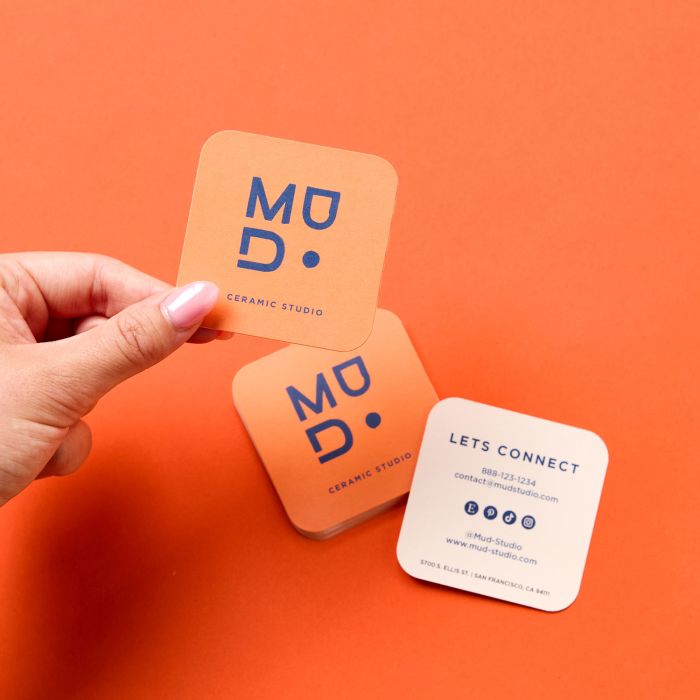
Custom printing is perfect if you want professional business cards without any of the printing work. Just design your custom business cards online and we’ll take care of the rest. Your cards will arrive at your door, professionally printed and ready to hand out.
Why go custom?
- High-quality printing with vibrant colors and sharp detail
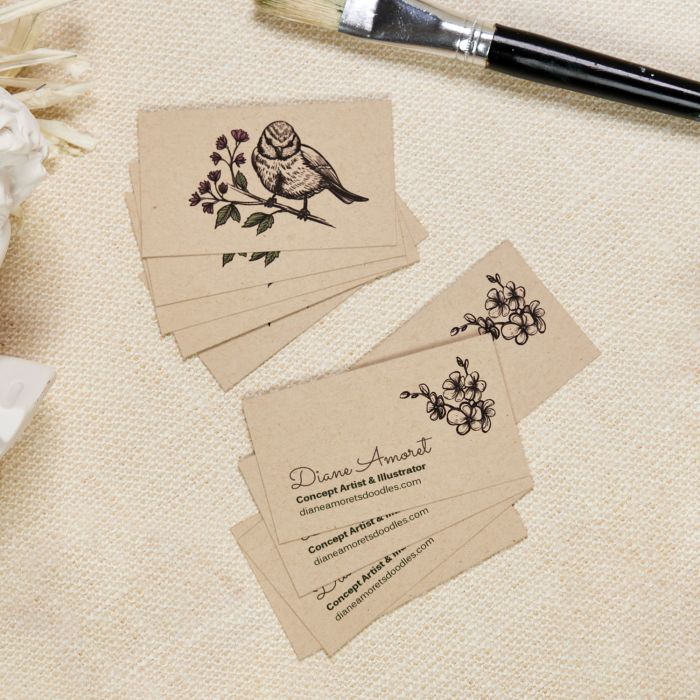
- Wide selection of premium finishes: matte, glossy, textured, and more
- No need for a printer or supplies at home
- Ideal for large quantities or when you want a polished, professional look
This is also a great option when you need quick cards for an event or launch and don’t want to worry about printing yourself.
Option 2: Print your cards at home
Yes, you can print business cards at home—and it’s easier than you might think. After designing online, just print on blank card sheets using a standard printer. Then separate the cards and you’re all set.
To get the best results:
- Use Avery Clean Edge Business Cards for a smooth, professional finish
- Print on a high-quality inkjet or laser printer
- Follow printer setup tips to align and print accurately
Printing at home is perfect for small batches, DIY projects, or when you need cards in a pinch while still getting a polished look.
How to design business cards for beginners
No matter how you plan to print your cards, you’ll need a design. With Avery Design & Print, you can create print-ready business cards in minutes. Start with a template or build your design from scratch, then add your logo, contact information, and brand colors.
Start with a template
Use a business card template that fits your style, or create your design from scratch.
Add your contact information
Include the details people need to reach you, such as your name, business name, phone number, email address, website, and social media profiles.
Match your brand
Add your logo, choose easy-to-read fonts, and use colors that reflect your brand. Using high-quality logo files can help ensure your business cards look sharp and professional when printed.
Review before printing
Proofread carefully, make sure text is easy to read, and check that important information isn’t too close to the edge of the card. Getting a second opinion never hurts.
Once your design is ready, you can print your business cards at home or order professionally printed cards from Avery.

Ready to make your business cards?
Whether you print your business cards at home or order professionally printed cards, Avery makes it easy to get started. Design your cards online, choose the option that works best for you, and bring your ideas to life.
Need a hand? Reach out to our friendly Customer Care team at (800) 462-8379—we’re always happy to help. If you’re prepping to showcase your brand at an event, don’t miss our deep-dive guide filled with event marketing ideas.
Still wondering whether business cards are worth it? Learn why they continue to be effective in today’s digital-first world.


