Wedding invitation FAQs to help you get started
Can I design wedding invitations without a graphic designer?
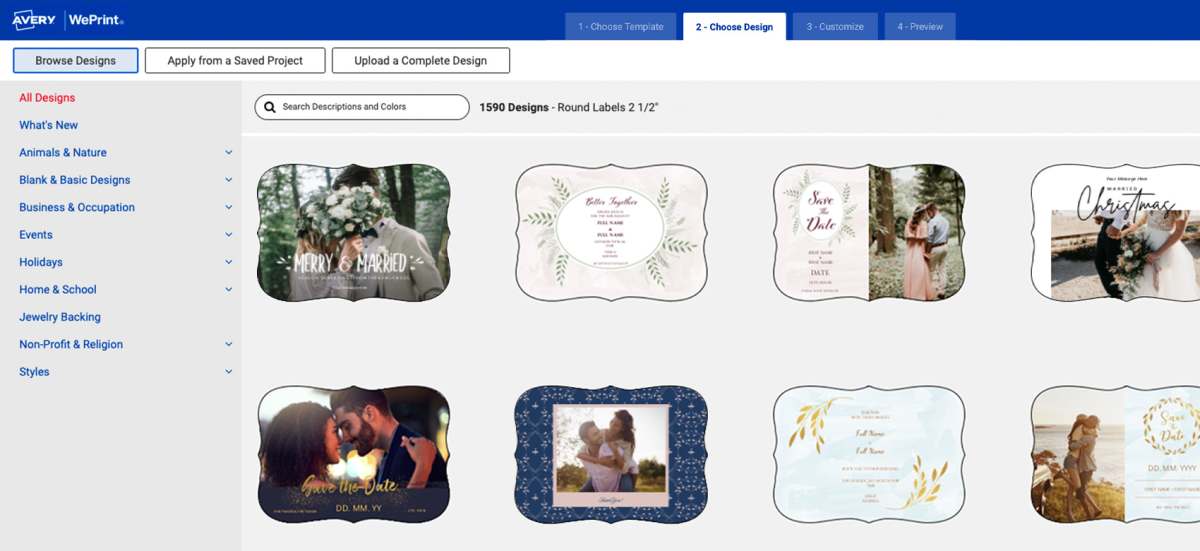
Yes. The wedding invitation maker gives you full control over fonts, colors, layout, and wording. Start with a design template or blank layout and customize everything yourself—no design experience required. The easiest way to get started is to browse free wedding card designs you can customize.
We also have helpful video tutorials to help you if you get stuck:
Can I print wedding invitations at home?
Yes. You can print wedding invitations at home using quality printable cards designed for desktop printers. To help your cards come out perfectly, make sure you’re using the right product for your printer type (laser or inkjet). When in doubt, choose card products designed to work in both laser and inkjet printers.
What if I designed my invitations somewhere else?
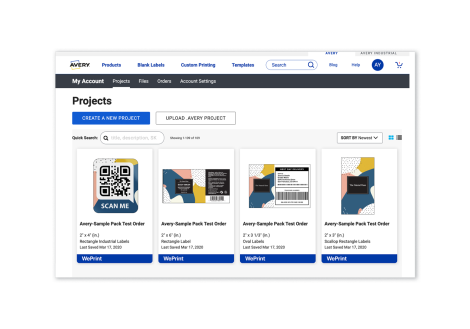
Upload your finished design into a blank Avery template to ensure it aligns correctly with your selected product before printing at home or ordering custom printing. It’s just that easy.
Can I create matching RSVP and details cards?
Yes. Design a complete wedding invitation suite, including save-the-dates, RSVP cards, and thank-you notes. You can even create place cards and menu cards for the day of to keep your stationery cohesive. Our custom printed cards page and printable cards page make it easy to browse different types of cards you can use to create your suite.
How do I add guest names and addresses?
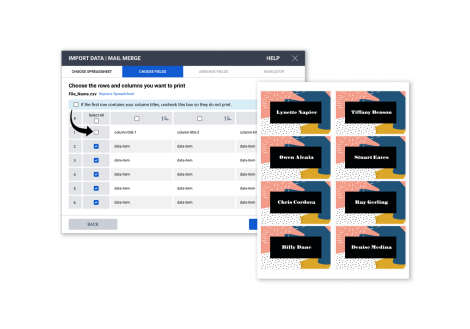
Use Mail & Data Merge to import your guest list and personalize invitations or address labels quickly and accurately. This help article shows you how to import names and addresses to your design from Excel or other similar spreadsheets.
Can I add a QR code to my wedding invitations?
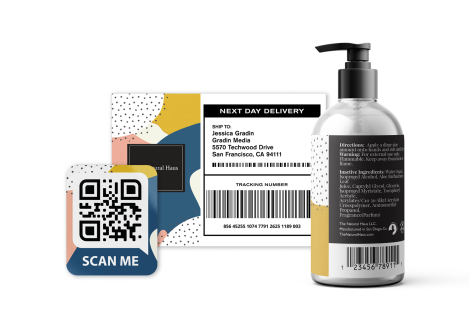
Yes. Use the built-in barcode generator to create a custom QR code that links to your wedding website, registry, or online RSVP page. There is no need to use a third-party site or add on a QR code app—it’s all right there for you in the editor.
Will my invitations look professional?
We’ll help you achieve your vision. You can choose from premium cardstock, distinctive shapes, and professional printing options. Plus, every order is backed by a 100% satisfaction guarantee, and a real, human Customer Care Team to help your invitations come out perfectly. In fact, you can call and talk to a real person during regular business hours (M-F 6am to 5pm PST): 1-800-462-8379. Our team based in the Brea, CA headquarters is obsessed with getting the details just right.