

How to Use a Planner: Clear Your Mind of Busywork
If your mind feels cluttered with tasks and to-dos, it’s hard to focus. A planner helps you clear the busywork so you can think clearly and move forward.

What using a planner actually helps you do
Using a planner isn’t always about being more productive. A lot of times it’s about clearing mental clutter so you can conquer overwhelm and actually get stuff done. At least that’s how it works for me. In fact, I’d say there’s two really useful ways to use a planner:
- To prioritize tasks so you get more important things done instead of just staying busy.
- To reduce mental clutter so you can focus on the tasks and projects that have the most impact.
I use a planner to help me juggle a full-time career writing for Avery, a maker business side hustle, and running a local meetup group. Without it, my brain feels busy—there are tasks, deadlines, product details, important dates, and all kinds of things bouncing around in there. When I capture those things in my planner, my brain is free to do higher-level thinking.
In this article, I’ll show you how to use your planner to get everything out of your head, sort it out, and focus on what actually matters.
But do planners actually help you reach your goals?
In short, yes—but probably not in the way you think. Planners don’t magically help you achieve goals just by writing them down. What they actually do is help you break things down, stay focused, and follow through consistently.
That starts with getting everything out of your head and onto paper. From there, you can sort through what matters, turn ideas into clear steps, and make a realistic plan you can stick to. Over time, that’s what leads to progress—not just setting a goal and hoping for the best.
How to use a planner to clear your mind and follow through
I know there are a lot of guides out there that make it feel like you need a fully coordinated, aesthetic layout for every page in your planner. I’ve read those guides—and drooled over the beautiful spreads—but please don’t let that stop you.
I’ve talked to so many people who think planners don’t work for them because they’re “not artistic enough.” But a planner isn’t an art project—it’s a tool.
When you cut away the aesthetics and influencer posts, a planner really comes down to two things: getting everything out of your head and figuring out what actually matters. These steps work together to help you do both—so you’re not just staying busy, you’re making real progress.
1) Get everything out of your head
First things first, you need a place to put all the thoughts, tasks, and reminders that are bouncing around in your brain. Instead of trying to organize everything right away, start with a simple brain dump. Write down everything—big tasks, small to-dos, random reminders, and ideas you don’t want to forget.
This step doesn’t need to be pretty or structured. The goal is just to get it out of your head and onto paper so you can actually see it. Once it’s written down, you’re not relying on memory anymore. That alone can make your brain feel a lot less busy.
2) Sort it out so you can see what matters
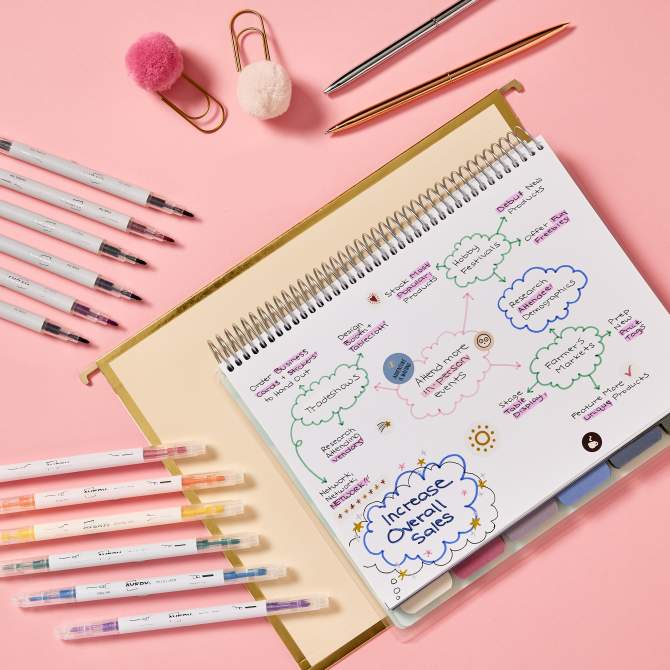
Now that everything is out of your head, you can start making sense of it. Look at your list and begin grouping similar tasks together. From there, decide what actually needs your attention right now and what can wait. Not everything on your list is equally important. Some things move you forward, and some things just keep you busy.
Whether you prefer making lists, using categories, or even mapping things out visually, the goal is the same: figure out what matters so you can focus your time and energy in the right place.
3) Turn tasks into clear, doable steps
Once you know what matters, the next step is to make it actionable. Big or vague tasks are easy to avoid. Breaking them down into smaller steps makes them easier to start and easier to finish. For example, instead of writing something like “work on marketing,” you might break it into steps like outlining ideas, drafting content, and scheduling posts.
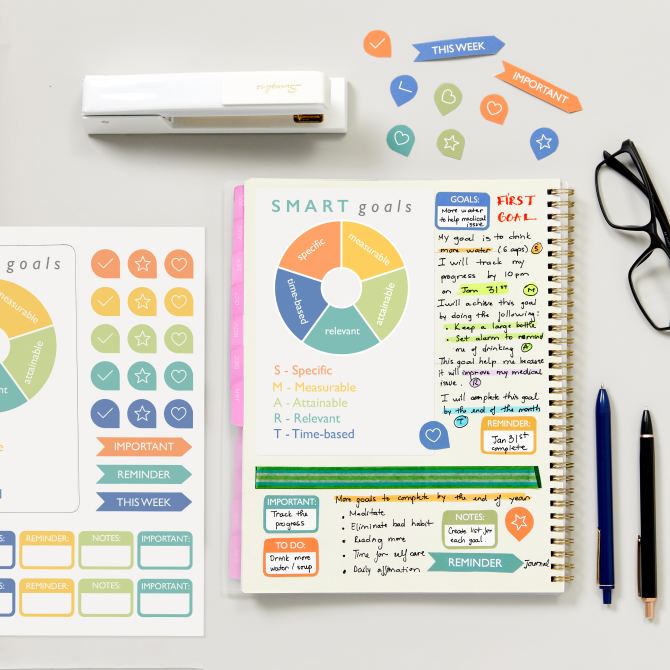
You may have heard of SMART goals—specific, measurable, achievable, relevant, and time-based. That framework can be helpful, but you don’t need to overthink it. The main idea is to make your tasks clear enough that you know exactly what to do next.
4) Plan your week with realistic expectations
Now you can start placing those tasks into your planner. Use your planner to map out your days and weeks but try not to overload it. It’s tempting to fill every space, but that usually leads to frustration when real life gets in the way. Instead, focus on creating a plan you can actually follow. Give yourself enough structure to stay on track, but enough flexibility to adjust when needed.
If it helps, you can use simple visual cues like color-coding or planner stickers to organize tasks by type or priority. These tools can make your planner easier to read at a glance without adding complexity.
5) Use simple systems to stay on track
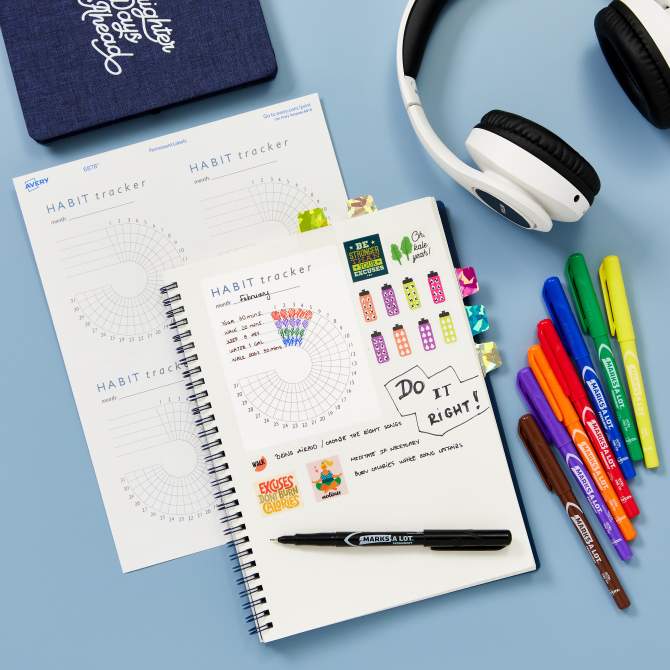
Tracking your progress doesn’t have to be complicated. Sometimes, just checking off completed tasks is enough to keep you moving forward. It gives you a clear sense of what’s done and what still needs attention.
If you like a more visual approach, you can add simple trackers or use stickers to mark progress. The key is to keep your system easy to maintain so you actually use it. Overcomplicating your planner can make it harder to stick with. Simple systems tend to work best over time.
6) Close the loop so tasks don’t pile up
One of the most helpful parts of using a planner is being able to finish things and move on.
When you complete a task and mark it off, it creates a clear endpoint. You’re not carrying it around in your head anymore, and it’s not lingering on your list. If something doesn’t get done, you can decide whether to reschedule it or let it go.
That decision is important—it keeps unfinished tasks from quietly piling up and adding to your mental clutter. Over time, this habit helps you stay in control of your workload instead of feeling like everything is stacking up.
7) Give yourself permission to make it your own
Once you’ve used your planner to get everything out of your head and figure out what actually matters, this is where you can make it feel like yours. It doesn’t have to be perfect or coordinated. There are no rules for where stickers go or how a page should look. If you like something, use it. If you don’t, skip it.
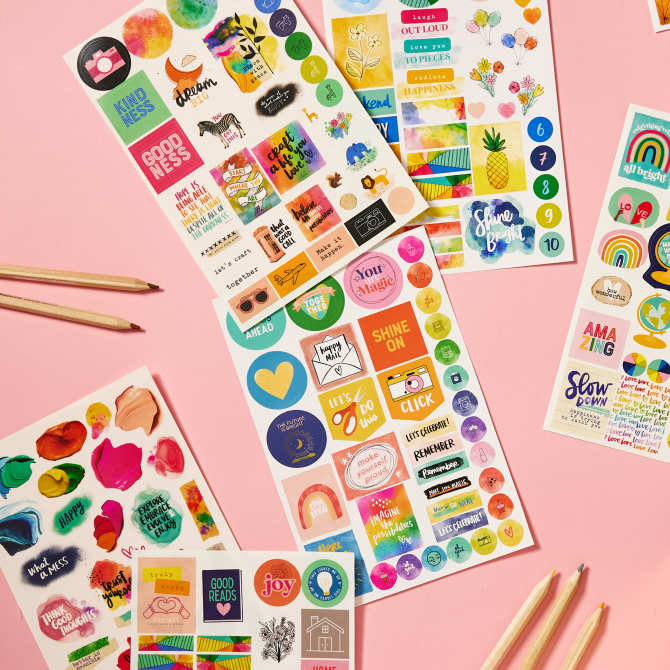
Planner stickers, tabs, and little visual touches can make your planner easier to use at a glance, but they can also just make it more enjoyable to come back to every day.
The key is that the function comes first. Once your planner is working for you, the fun parts can make the whole process feel less like a chore and more like something you actually want to keep up with.
Make your planner work for you—not the other way around
Using a planner isn’t about filling every page, building the perfect system, or meeting unrealistic aesthetic standards. It’s about getting things out of your head, so you don’t get that deer-in-headlights feeling—the one where everything feels so overwhelming you don’t even know where to start. Once you clear your mind of busywork, then you can decide what actually matters and focus on it.
When you stop trying to do everything and start focusing on the right things, it’s a lot easier to follow through. You’re not just staying busy—you’re making progress in a way that actually feels manageable. And once your planner is working for you, you can make it as simple or as fun as you want. Some weeks it might just be a messy list. Other weeks you might add stickers, color, or tabs to make it easier to use or more enjoyable to come back to.
Either way, it’s still doing its job.
Ready to start? Keep it simple and try one small step: Browse planner stickers to add quick visual cues or just make your pages more fun, or print a free habit tracker template to start organizing your tasks right away.

