Enable Accessibility
Live ChatChat
(800) 942-8379Call Us
Avery Template 5366
Design & Print Online
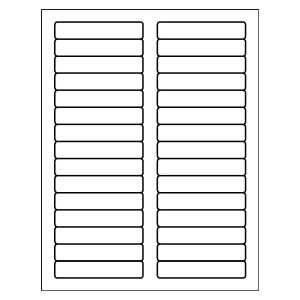
File Folder Labels
2/3" x 3-7/16"
30 per sheet, White
Avery Template 5366
Design & Print Online
Choose a blank or pre-designed free template, then add text and images.
Already have a completed design?
Already have a completed design?
Built to match Avery 5366—not just the size
Looking for an Avery 5366 template? This page gives you the correct layout for 2/3" × 3-7/16" white file folder labels (Avery 5366), so your text and designs print and cut exactly where they should.
This matters because some file folder labels are the same size but color-coded, such as Avery 5266. That template accounts for the color bar at the top of the label. The 5366 template is tied to the 5366 blank white labels, so using the correct template helps avoid issues aligning your design.
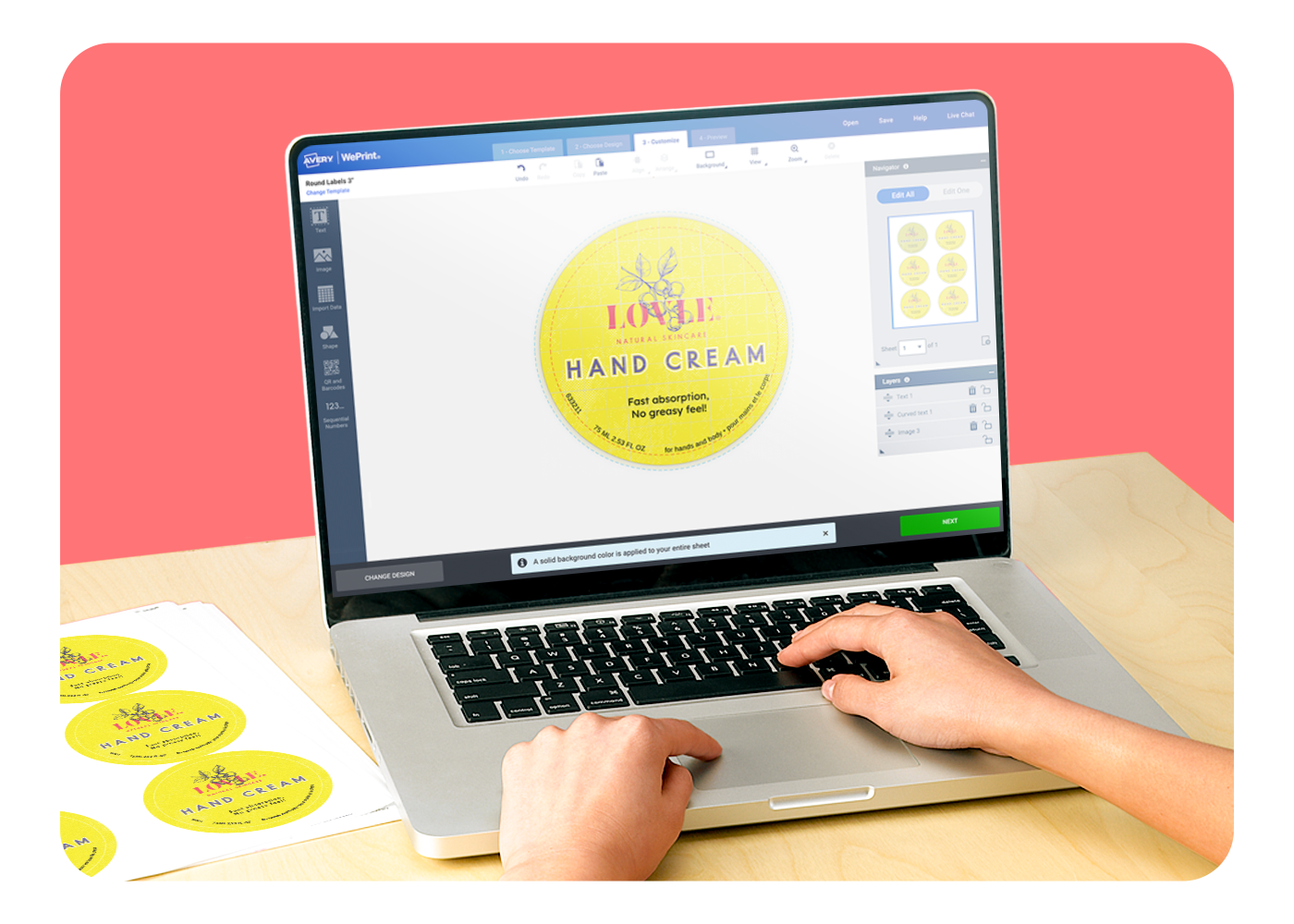
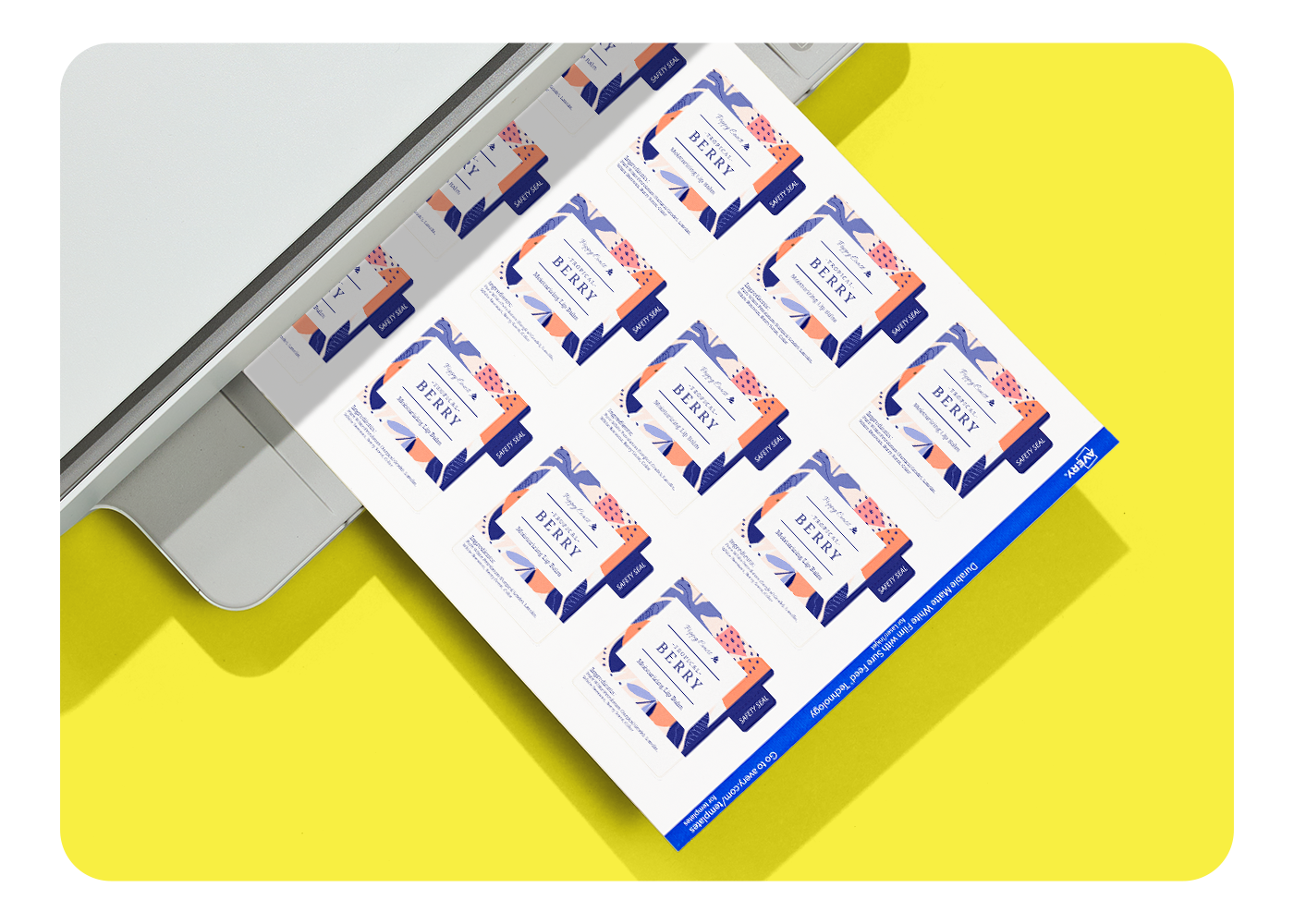
Click Start Designing to open Avery Design and Print Online with layouts and designs formatted for Avery 5366, or download a blank template to work in the software you prefer.
Answers to common template questions
What are Avery 5366 templates used for?
Yes. Blank templates are available for Microsoft Word®, Adobe Illustrator®, Adobe, InDesign, Photoshop, PDF, and Apple Pages®.
Can I download a blank 5366 template for other software?
Yes. Blank templates are available for Microsoft Word®, Adobe tools, and Apple Pages®.
Why does this page focus on layout rather than browsing designs?
This page is built around the Avery 5366 layout to match your label spacing. If you want to browse design concepts first, try our Find a Design page to browse label designs.