Enable Accessibility
Live ChatChat
(800) 462-8379Call Us
Avery Template 5162
Design & Print Online
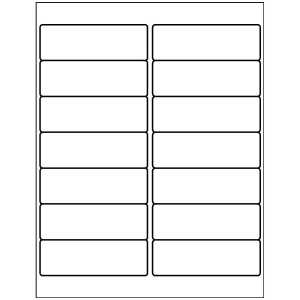
Address Labels
1-1/3" x 4"
14 per sheet, White
Avery Template 5162
Design & Print Online
Choose a blank or pre-designed free template, then add text and images.
Already have a completed design?
Already have a completed design?
Download Blank Template For Template 5162
Select Your Software Below
Template Compatibility For Template 5162
18262, 48462, 5262, 5522, 5962, 6445, 6455, 8162, 8462, 95522, Presta 94206
Get the exact layout for Avery 5162 labels
If you’re looking for an Avery 5162 template, this page gives you the correct layout for 1-1/3" × 4" labels, so text and designs line up properly on the sheet.
Avery 5162 labels are commonly used for addressing and ID labeling, especially when you need a slim format for file folders, binders, or small packaging. This template is tied to the 5162 product number to ensure spacing and margins match the labels you’re using.
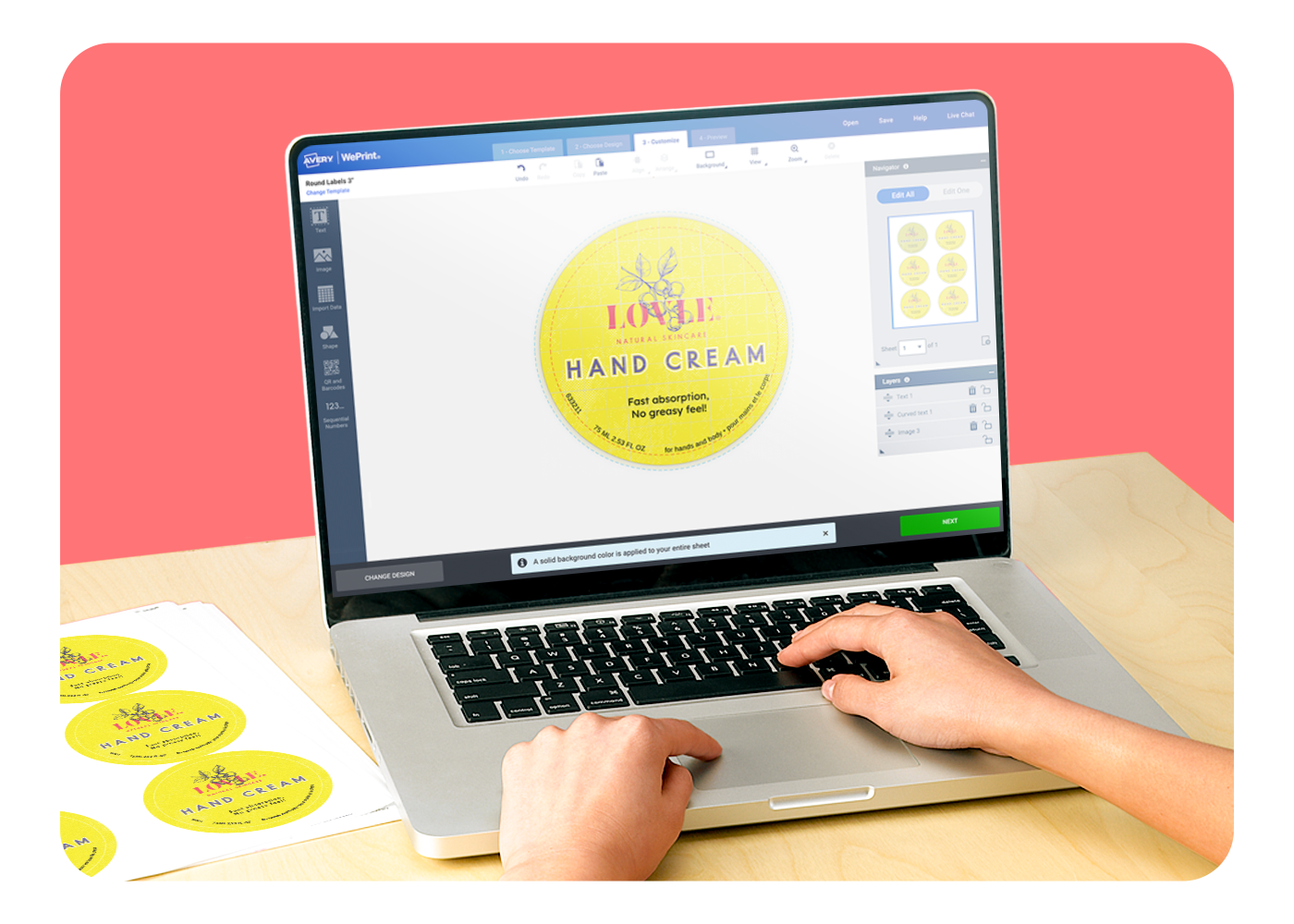
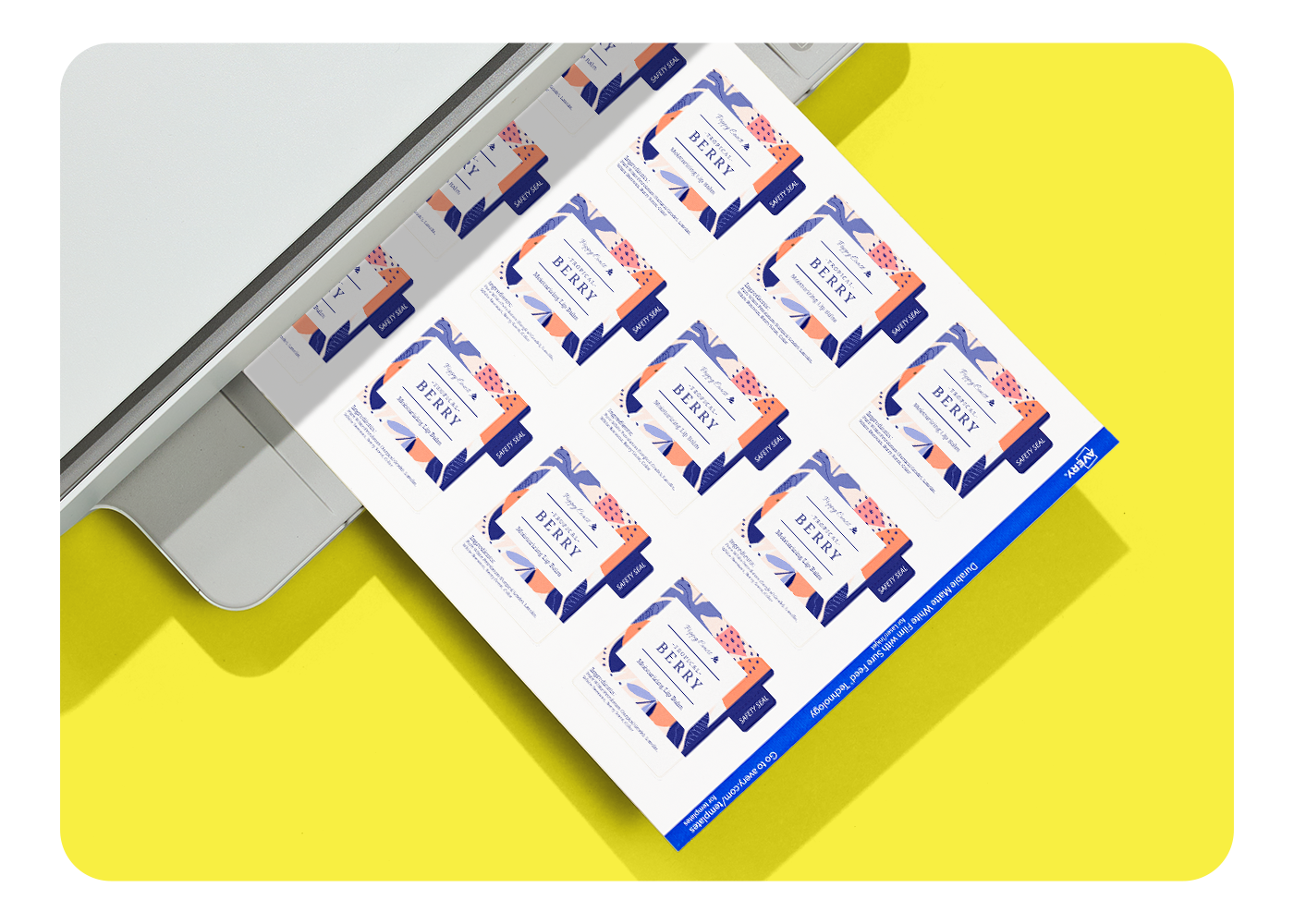
Click Start Designing to open Avery Design and Print Online with layouts and designs formatted for Avery 5162 labels. Or download a blank 5162 template for Microsoft Word®, Adobe tools, Apple Pages® or other software if you prefer to work offline.
Want to start with design inspiration? Use our Find a Design page to view designs for different product categories and start browsing label templates right away.
What to know: 5162 FAQs
Why should I use the Avery 5162 template instead of a generic size?
This template is built to match the spacing and layout of Avery 5162 labels exactly, which helps prevent alignment issues during printing.
Is this a good template for narrow address or ID labels?
Yes. The 1-1/3" × 4" layout is well suited for slim labels used on file folders, binders, and small items.
Can I work outside of Avery Design and Print Online?
Absolutely. You can download a blank Avery 5162 template for Microsoft Word®; Adobe Illustrator®, InDesign, Photoshop, or PDF; and Apple Pages®.