Avery Template 5160
Design & Print Online
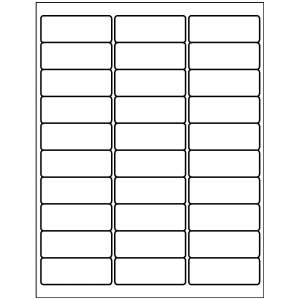
Address Labels
1" x 2-5/8"
30 per sheet, White
Avery Template 5160
Design & Print Online
Choose a blank or pre-designed free template, then add text and images.
Already have a completed design?
Already have a completed design?
Download Blank Template For Template 5160
Select Your Software Below
Template Compatibility For Template 5160
15509, 15660, 15700, 15960, 16460, 16790, 18160, 18260, 18660, 22837, 28660, 38260, 45160, 48160, 48460, 48860, 48960, 5136, 5260, 55160, 5520, 55360, 5620, 5630, 5660, 58160, 58660, 5960, 6240, 6521, 6525, 6526, 6585, 80509, 8160, 8215, 8250, 8460, 85560, 8620, 8660, 88560, 8860, 8920, 95520, 95915, Presta 94200, Presta 97180
Start with the correct template
for Avery 5160
Looking for an Avery 5160 template? This page is the right starting point if you already have 5160 labels and want your design to line up, print, and cut correctly from the start.
Avery 5160 labels are best known for address labels, but they’re also widely used for product labeling and organization. Because this template is tied directly to the 5160 product number, it ensures spacing and margins match the labels you have—not just the size.
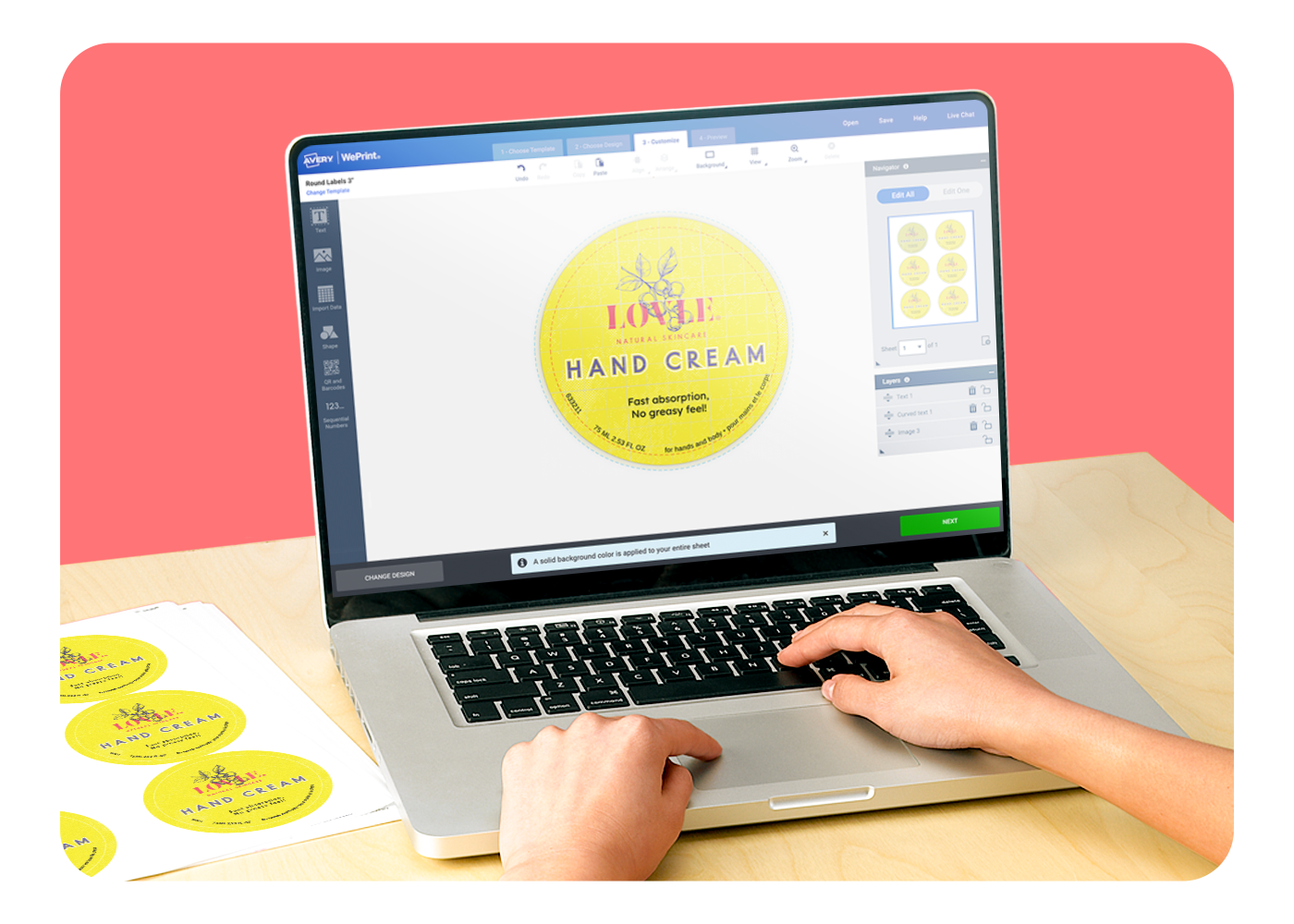
Click Start Designing to open Avery Design and Print Online, or download a blank 5160 template for software like Microsoft Word®, Adobe Illustrator®, or PDF editing tools.
Common questions about Avery 5160 templates
What happens when I click “Start Designing”?
You’ll be prompted to sign in, then taken to Avery Design and Print Online with layouts and designs formatted specifically for Avery 5160 labels.
Can I download a blank Avery 5160 template instead?
Yes. You can download blank 5160 templates for popular software like Microsoft Word, Adobe Illustrator, InDesign, Photoshop, or PDF.
Why do I see blank templates before designs?
Starting with the exact layout ensures accurate placement for your labels. From there, you can choose a blank design or browse pre-designed options for the 5160 template.
Where should I go if I want to browse designs first?
If you’re looking for inspiration before choosing a product, visit our Find a Design page to browse label designs visually. Once you find a design you like, you can select the size and shape that matches Avery 5160.