Avery Template 5371
Design & Print Online
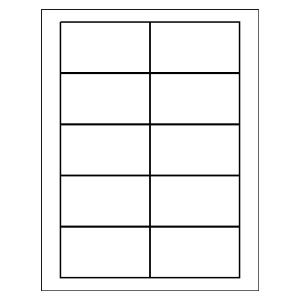
Business Cards
2" x 3-1/2"
10 per sheet, White
Avery Template 5371
Design & Print Online
Choose a blank or pre-designed free template, then add text and images.
Download Blank Template For Template 5371
Select Your Software Below
Template Compatibility For Template 5371
18871, 27871, 27881, 27883, 28311, 28371, 28877, 28878, 38871, 38873, 38876, 5376, 5377, 55871, 55876, 5870, 5871, 5874, 5876, 5877, 5911, 8371, 8376, 8377, 8471, 8870, 8871, 8873, 8876, 8877, 95318
Avery 5371 template for business cards
Looking for an Avery 5371 template? This page gives you the correct layout for 2" × 3.5" business cards so your contact details, logos, and designs print and cut the way they should.
Avery 5371 cards are commonly used for business cards, but their versatile size also makes them handy for loyalty cards, hospitality cards (like Wi-Fi login & password cards), and other small printed pieces. This template is tied to the 5371 product number to ensure spacing and margins match the cards you want to print on or have printed for you.
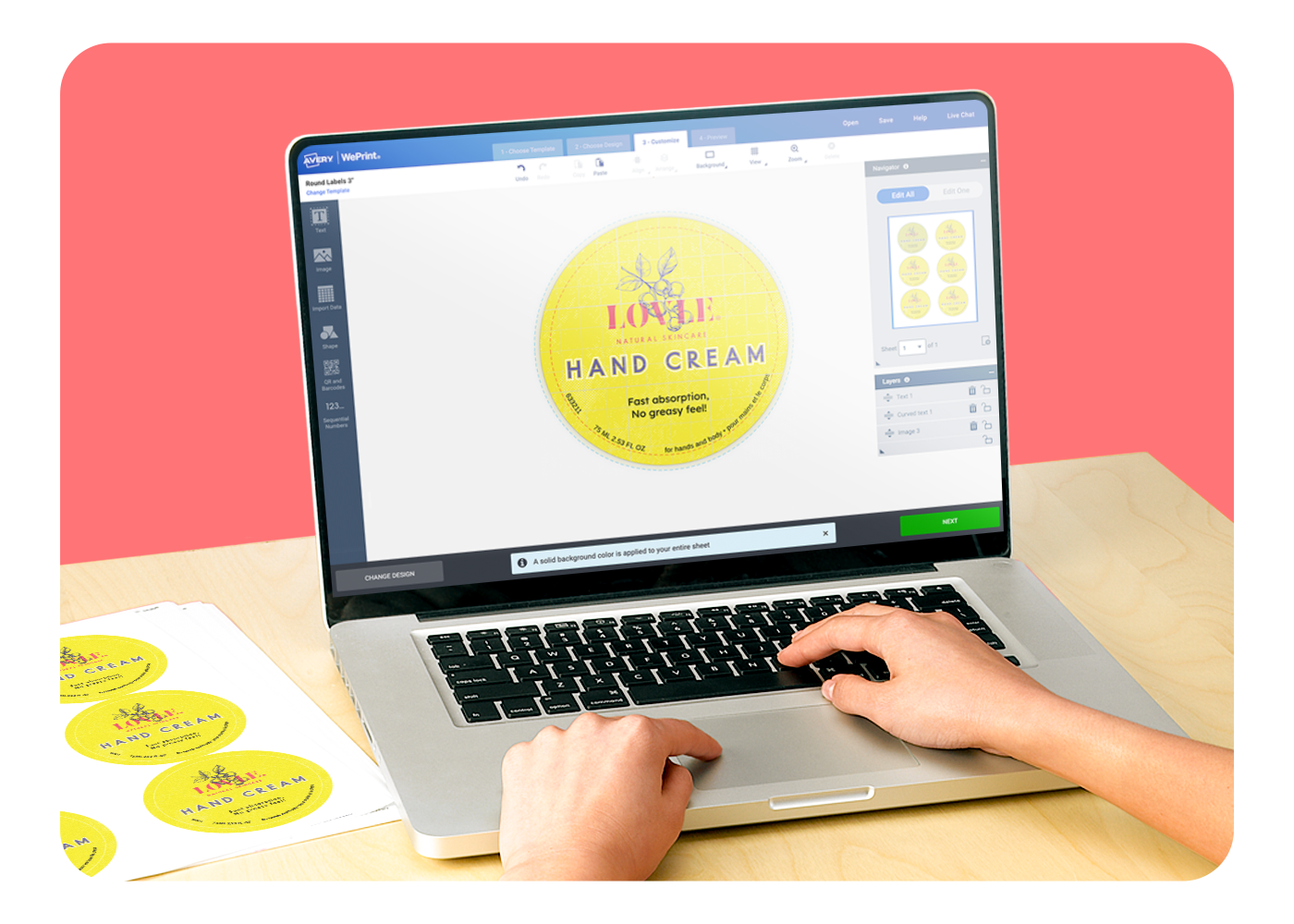
Click Start Designing to open Avery Design and Print Online with layouts and designs formatted for Avery 5371, or download a blank template to work in your preferred software. Use the 5371 business card templates for Microsoft Word®, Adobe design tools, Apple Pages® to work offline.
Still have questions about template 5371?
Why don’t I see designs on this page?
This page focuses on the correct layout for Avery 5371. If you want to explore business card designs first, visit our Find a Design page. There you can browse business card designs, choose your favorite, select the 2" × 3.5" size that matches Avery 5371.
How do I use the Avery 5371 template?
Once you open the 5371 template in Avery Design and Print Online, you can pick a blank layout or edit a predesigned card formatted for this exact size.
Can I print multiple cards per sheet?
Yes — the 5371 layout is set up to print several cards on a sheet, and the template reflects the correct margins and spacing for cutting.