Find Your Fabric Transfer Product
Choose the fabric transfer that matches your material: light-colored or dark-colored 100% cotton
or cotton/polyester blends, or light-colored stretchable synthetic or synthetic blends.
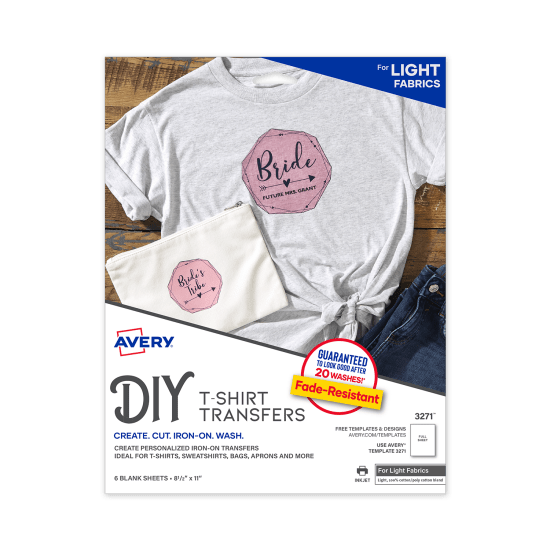
Best on light-colored 100% cotton/cotton blends, minimal stretch. Ideal for aprons, totes & tees.
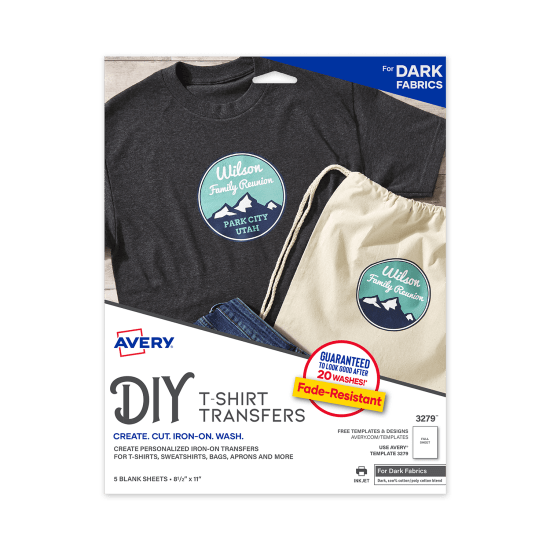
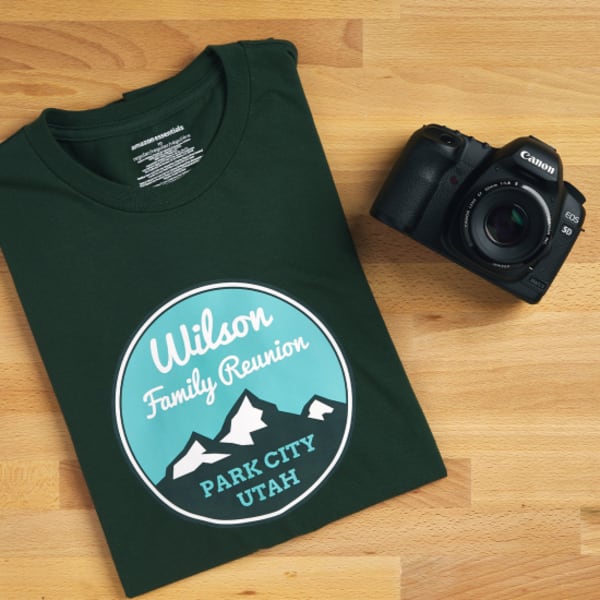
Best on dark-colored 100% cotton/cotton blends, minimal stretch. Ideal for aprons, totes & tees.
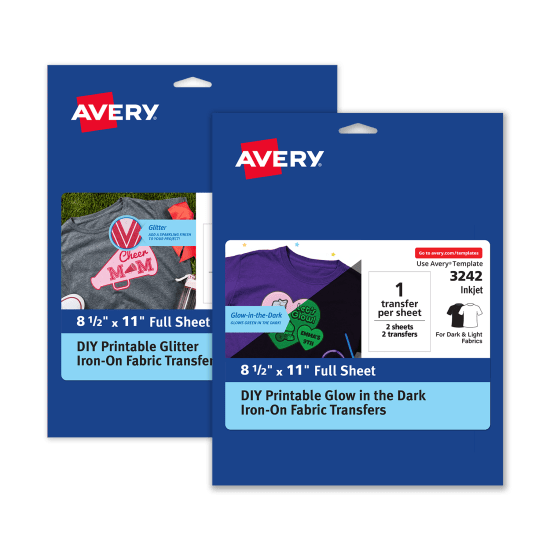
Stretchable, glitter & glow transfers and printable fabric sheets. Use sheets on pillows, wood & more!
The Avery Fabric Transfer Difference
Our fabric transfers are long-lasting, easy to use and come in five different printable materials.
Compatible with craft cutting machines and desktop or office inkjet printers.
Fade-Resistant
With recommended care instructions, printed colors & images resist fading for up to 20 washes.
Easy to Use
Print with standard inkjet printer, trim design, then apply with an iron or heat press.
Variety of Materials
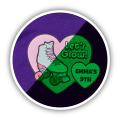
Glitter & glow-in-the-dark; options for dark, light & stretchy fabrics; printable fabric sheets.


Specialty Fabric Transfers
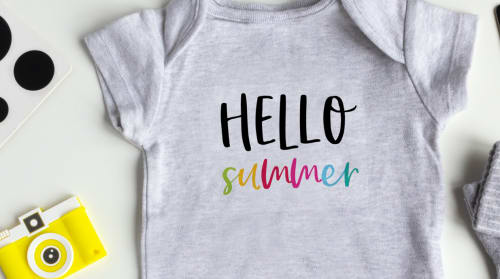
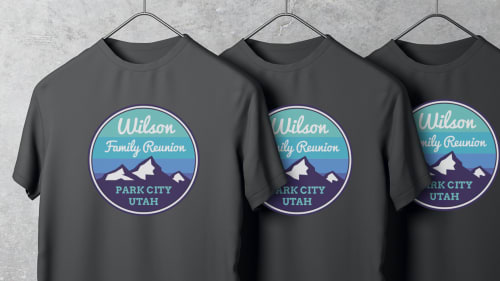
Unique printable fabric transfers that take your project to the next level! Just personalize, print and apply with an iron or heat press.
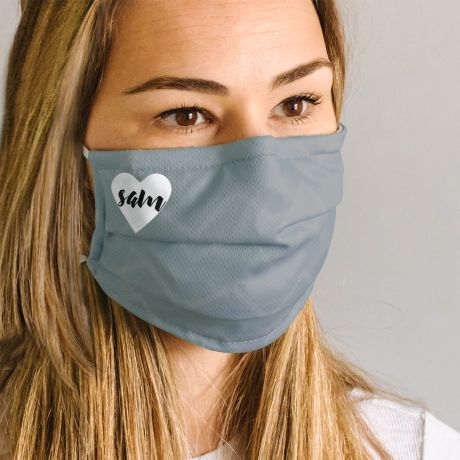
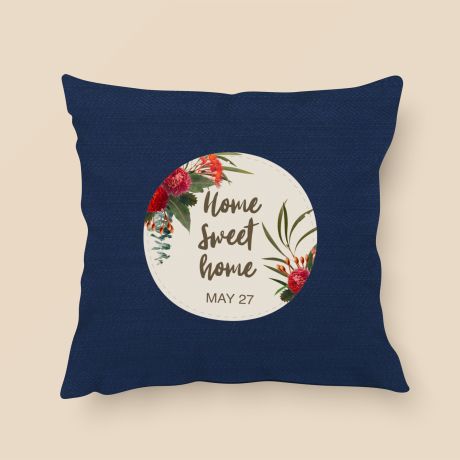
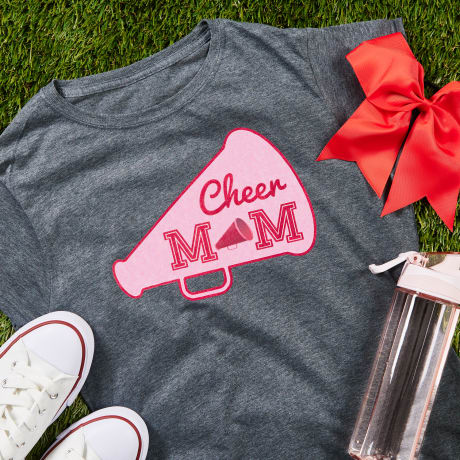
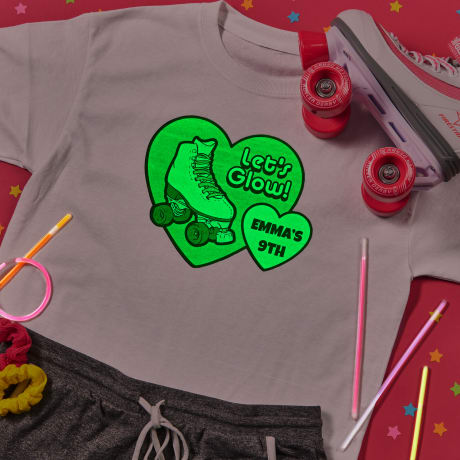
Fabric Transfer Ideas for DIY Projects
Get tons of ideas and free printables for fabric transfers. Turn your designs into personalized clothing, gifts, and so much more!
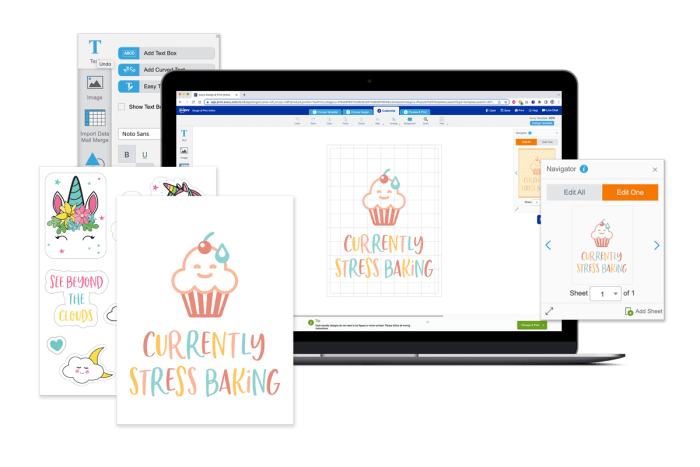
Avery Design & Print Online
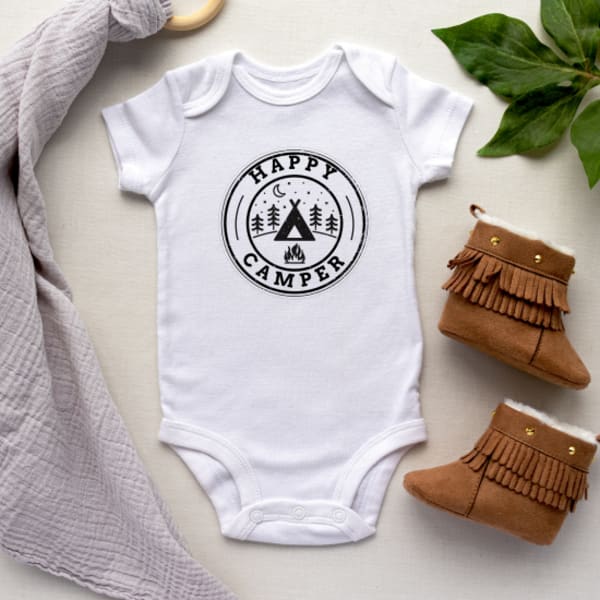
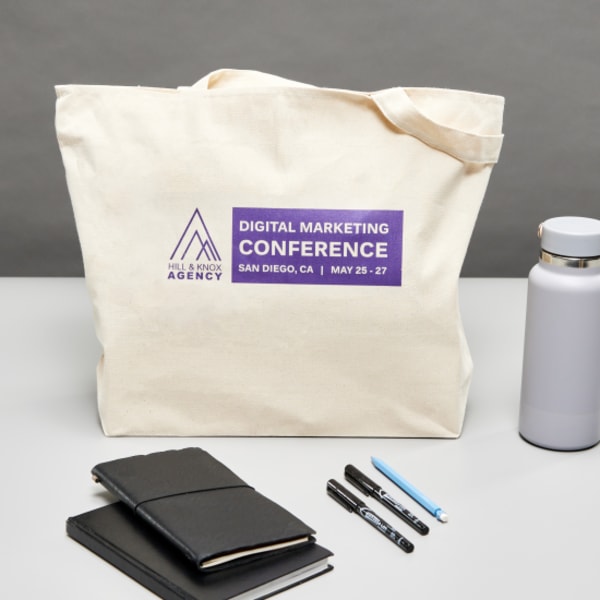
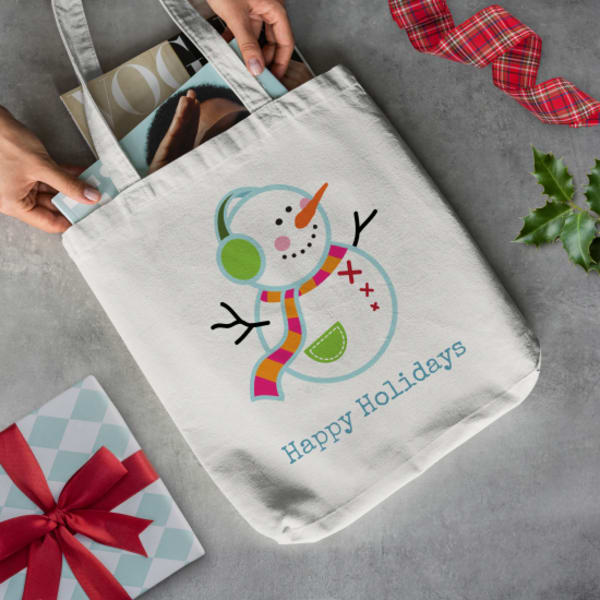
Personalize t-shirts, tote bags, aprons, home décor and more.
- Create custom fabric transfers, labels, and more
- Choose from thousands of professional designs and blank templates
- Personalize with custom fonts, colors and graphics
- Quickly import contacts or data with mail merge
- Save projects online or to your computer
- NEW! Easily share projects links via email
Fabric Transfer FAQs
How do I flip the image before I print?
When our Avery Design & Print Online creates a PDF of your project to print, it will automatically flip your design for you if needed for your Light or Stretchable transfers. We suggest printing a test page of your design on plain paper to check that the image and text are flipped when printed.
If you are using our Dark Fabric Transfers or Printable Fabric, you will not need to flip your design since these are applied with the image face up.
Why is my transfer cracking or peeling?
If your transfer is cracking or peeling, that may mean that the transfer needed more pressure and heat while ironing. Be sure to follow the instructions for your fabric transfer as closely as possible.
Light Fabric Transfer Instructions
Dark Fabric Transfer Instructions
Stretchable Fabric Transfer Instructions
Printable Fabric Instructions
Glitter & Glow-in-the-Dark Fabric Transfer Instructions
What product should I use to print on a ribbed tank top?
We would recommend using Avery Stretchable Fabric Transfers (3302). These work great with light-colored stretchable synthetic or synthetic blend fabrics.
How long do I iron my fabric transfer?
The amount of time varies by the size of the transfer and the product. Check the instructions in your Avery package or download a pdf above. Be sure to follow them carefully for best results.
How can I remove my fabric transfer?
- Place an old piece of cotton fabric or towel on a smooth surface or whatever surface that was used to transfer the original image.
- Place the t-shirt with the transferred image side down on the piece of cotton fabric or towel.
- Heat up the iron to the highest heat setting for cotton as possible. Reheat the area of the image as before.
- Immediately separate the t-shirt from the cotton fabric/towel. Wait to cool. Repeat until satisfied with results.
Note: We do not guarantee that the image will come off completely after multiple attempts.
What shirt can I use with fabric transfers?
Dark fabric transfers can be used with 100% cotton or poly/cotton blend fabrics. The white background of the transfer stays white, so it works great on white or dark t-shirts if you want white to show through.
Light fabric transfers can only be used with white or light-colored 100% cotton or poly/cotton blend fabrics because the background of the transfer virtually disappears so a dark fabric would make the design less visible.
Stretchable fabric transfers are perfect for white or light-colored stretchable synthetic fabrics or synthetic blend fabrics.
Does Avery offer clear fabric transfers?
Our Light and Stretchable Fabric Transfers virtually disappear once ironed on. Here are the Light Transfers that we offer:
- 3271 - Light Fabric Transfers, 6 sheets
- 3275 - Light Fabric Transfers, 12 sheets
- 8938 - Light Fabric Transfers, 18 sheets
- 3302 - Stretchable Fabric Transfers, 5 sheets
What printer can I use for fabric transfers?
You will want to use an inkjet printer when using our Avery Fabric Transfer products. These Transfers are not compatible with laser or sublimation printers.
Why did my transfer turn yellow?
We generally see yellowing occur on fabric transfers if the iron is too hot or if youiron for too long. Please be sure to follow the directions carefully when applying your fabric transfer.
How can I print white font or images with dark fabric transfers?
Dark fabric transfers are like a big white label. Most printers can't print white, but the white on the label will show through so it looks like white was printed.
If you want individual white letters or images, it's best to print a darker outline around each letter or image and then cut out the part you want to iron on.